
negative-space-engine.md
Custom C++ Game Engine for Negative Space
A built-from-scratch C++/raylib engine extended into a 3D first-person runtime for Negative Space.

Overview
Negative Space runs on a built-from-scratch C++ game engine inspired by Professor Greg Anderson’s engine, which I worked with him on while helping develop EN.601.355: Game Engine Programming at Johns Hopkins University.
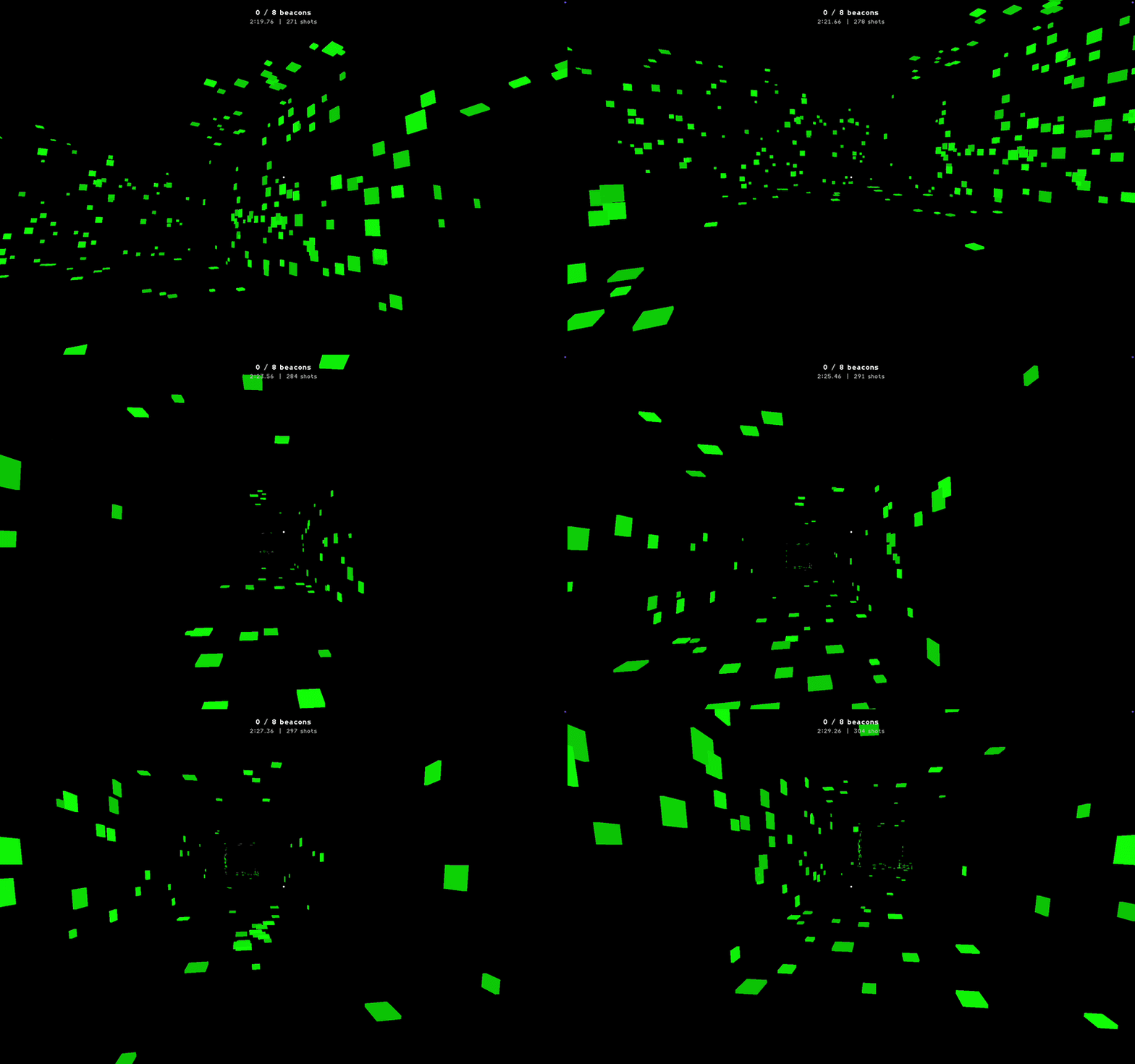
The original engine foundation was primarily 2D-focused. For this project, I extended it into a small but complete 3D engine, including first-person movement, raycast interaction, static collision, JSON-authored rooms, paint-based visibility, debug tooling, audio integration, and packaged desktop builds.
Foundations: Frames and ECS
The engine is organized around a frame lifecycle and an ECS-style world. Frame data carries timing and diagnostics through the runtime, while gameplay and rendering systems query entities by component masks.
struct FrameData
{
    uint64_t frame;
    int64_t jitterUs;
    float fps;
    uint64_t workDurationUs;
};
The world stores entities in archetypes, then lets systems iterate only the matching component sets.
template <typename Callable>
void World::forEach(ComponentMask mask, Callable&& callable)
{
    for (auto& archetype : archetypes)
    {
        if ((archetype->componentMask & mask) != mask)
            continue;

        for (EntityIndex i = 0; i < archetype->getEntityCount(); ++i)
            callable(Entity{archetype.get(), i});
    }
}
3D Runtime Layer
I added a 3D path to the renderer while keeping the engine’s existing entity-driven structure. Entities can now produce 3D render proxies with position, volume, color, type data, and optional model asset references.
struct RenderProxy3D
{
    float x, y, z;
    float width, height, depth;

    bool hasColor;
    GameColor color;

    bool hasModelAsset;
    ModelAssetId modelAssetId;

    bool hasType;
    EntityTypeId typeId;
};
This let the game render simple 3D spaces through raylib while still treating raylib as the backend rather than the whole engine architecture.
Data-Driven Room Authoring
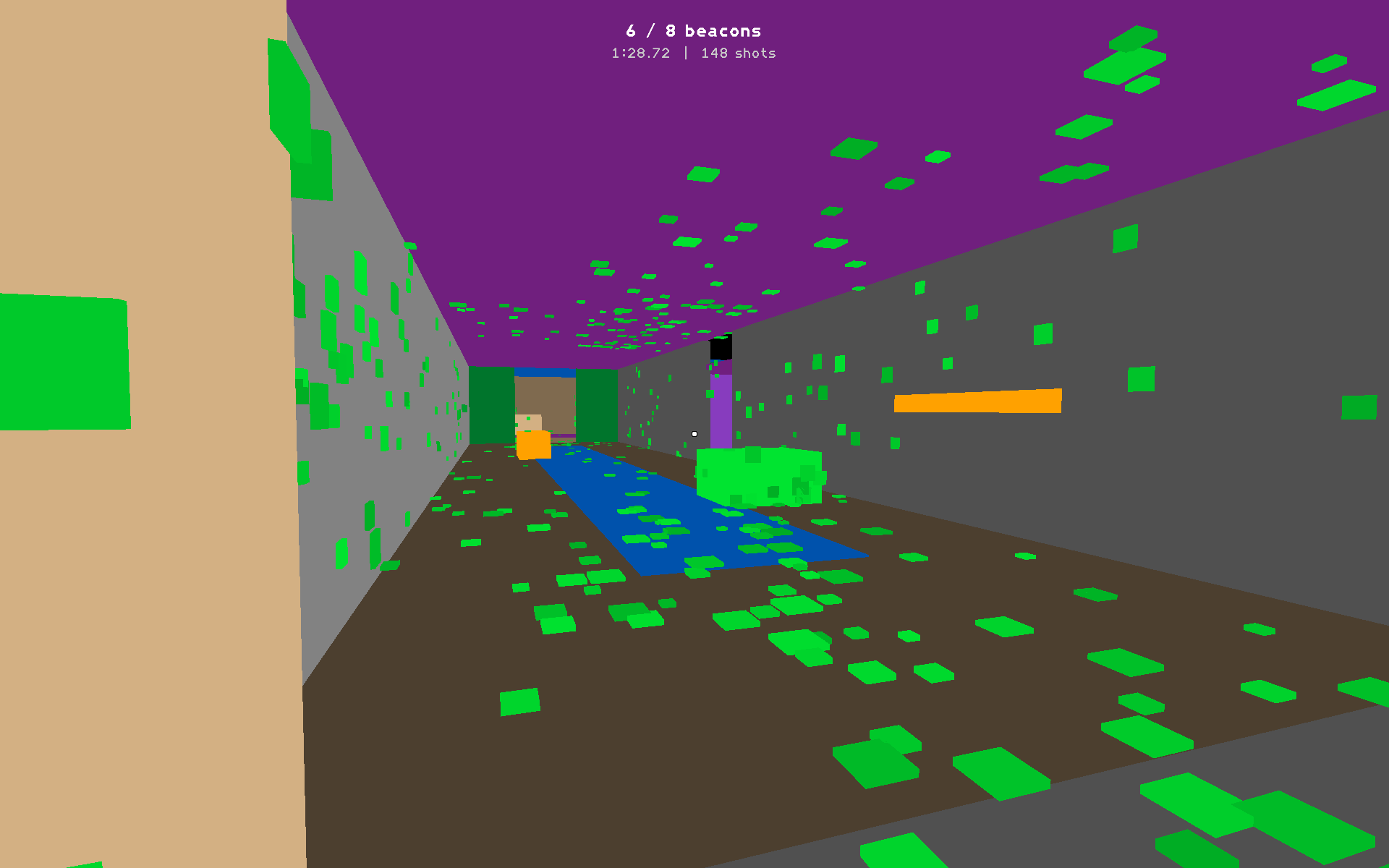
The level layout is authored in JSON rather than hardcoded C++. Rooms, walls, paintable surfaces, collision solids, acoustic portals, and beacon/spawn metadata all come from data files.
{
  "rooms": [
    {
      "center": [58, -13],
      "size": [30, 24],
      "ceilingHeight": 7.0,
      "reverbSendScale": 1.75,
      "reverbLargeRoomBlend": 1.0
    }
  ],
  "walls": [
    {
      "axis": "x",
      "x": 43,
      "centerZ": -13,
      "depth": 24,
      "height": 7.0,
      "door": { "center": -13, "width": 5.0 }
    }
  ]
}
This made the test space much faster to iterate on: adding rooms, reshaping hallways, adjusting doorway widths, or changing acoustic metadata did not require recompiling.
Collision and Raycasting
I moved static world collision into the engine side so gameplay systems could share one query layer. The collision system stores AABB boxes for player movement and separate boxes for raycastable geometry.
struct StaticWorldCollision
{
    void build(const std::vector<StaticWorldBox>& collisionBoxes,
               const std::vector<StaticWorldBox>& raycastBoxes);

    void resolveActor(Entity actor) const;

    bool raycast(float originX, float originY, float originZ,
                 float directionX, float directionY, float directionZ,
                 float maxDistance,
                 StaticWorldRaycastHit& hit) const;
};
That one raycast API ended up supporting several systems: paint placement, beacon interaction, audio obstruction, acoustic debug traces, and general testbed visualization.
Paint and Visibility System
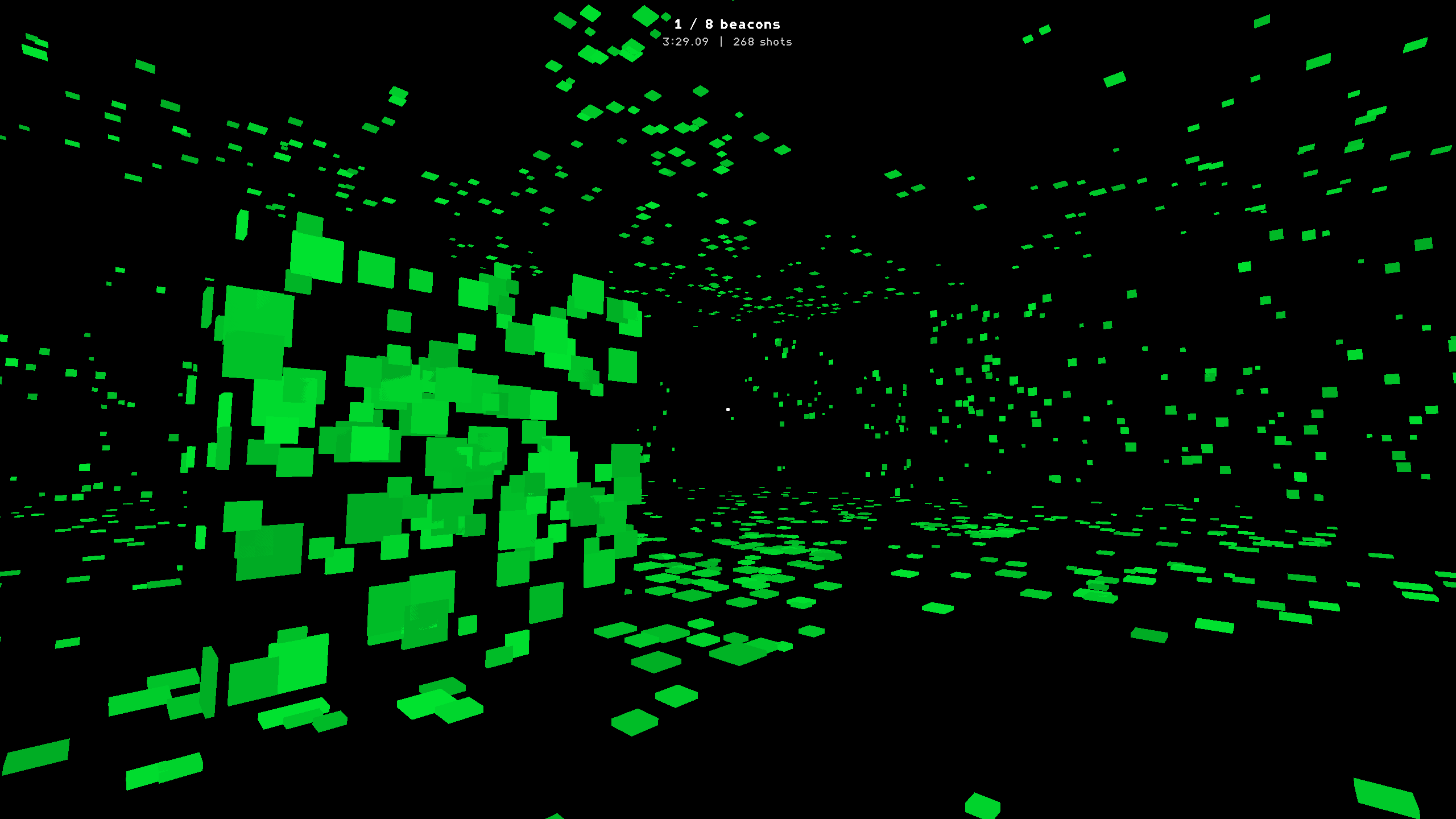
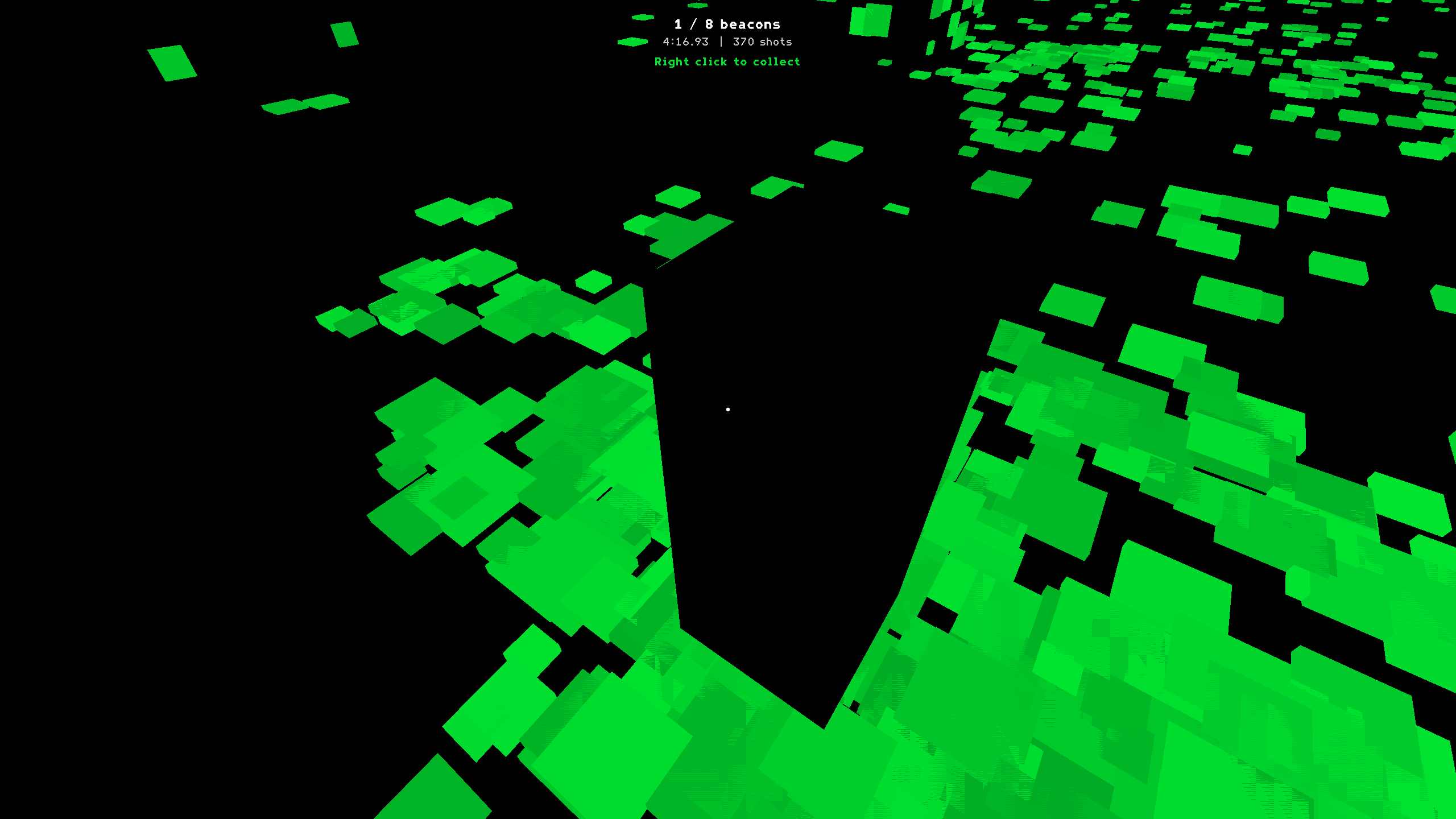
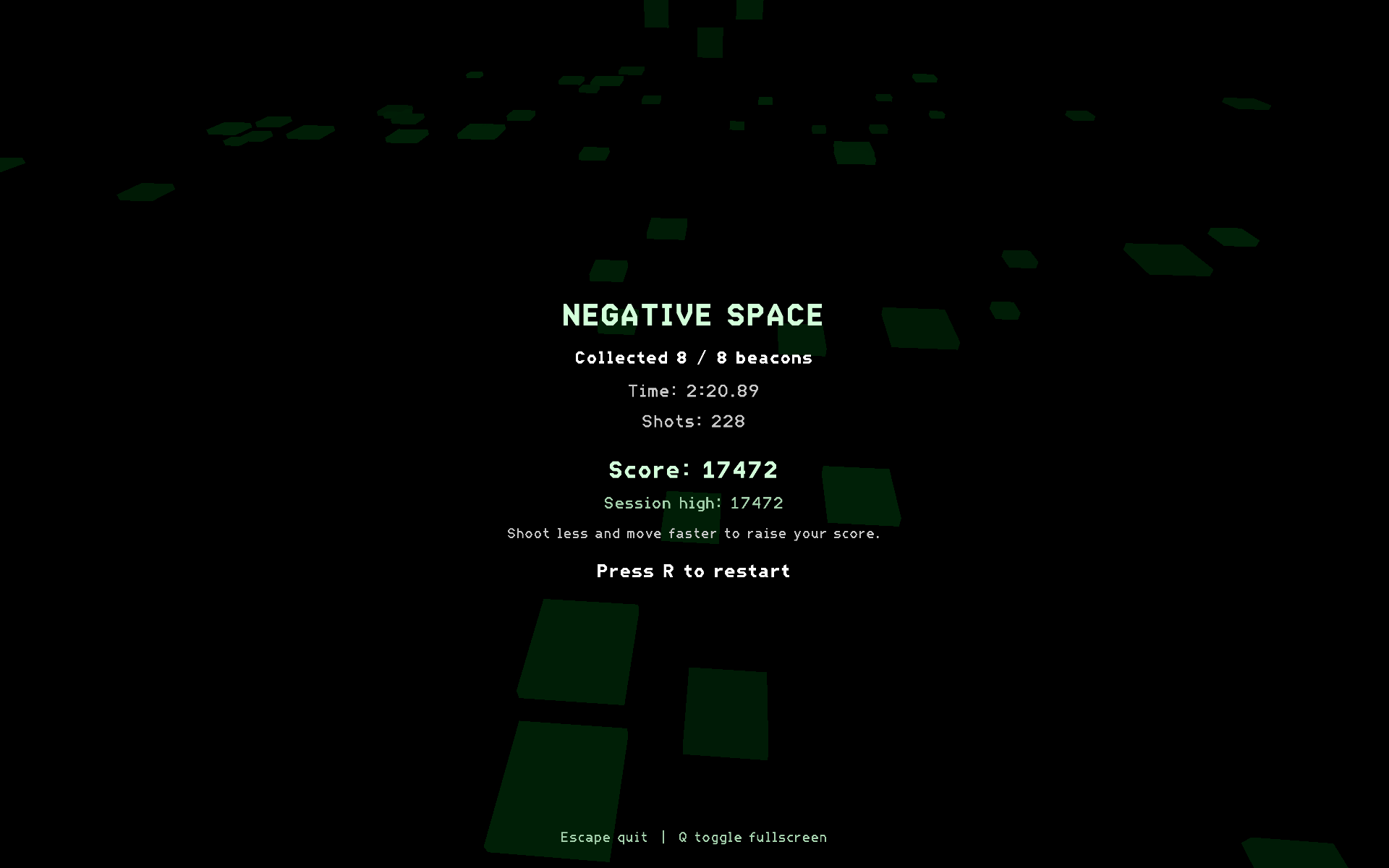
The central gameplay mechanic is built on engine raycasts. When the player sprays, rays hit paintable surfaces and create persistent surface marks. Beacons are intentionally not paintable, so they appear as dark shapes inside the illuminated paint.
struct SurfaceMarkDesc
{
    float x, y, z;
    float normalX, normalY, normalZ;
    GameColor color;
    float intensity;
    float size;
    float lifetimeSeconds;
    bool permanent;
};
This made visibility a system instead of a scripted trick: the same world queries that power collision and interaction also define how the player reveals the space.
UI and Debug Tools
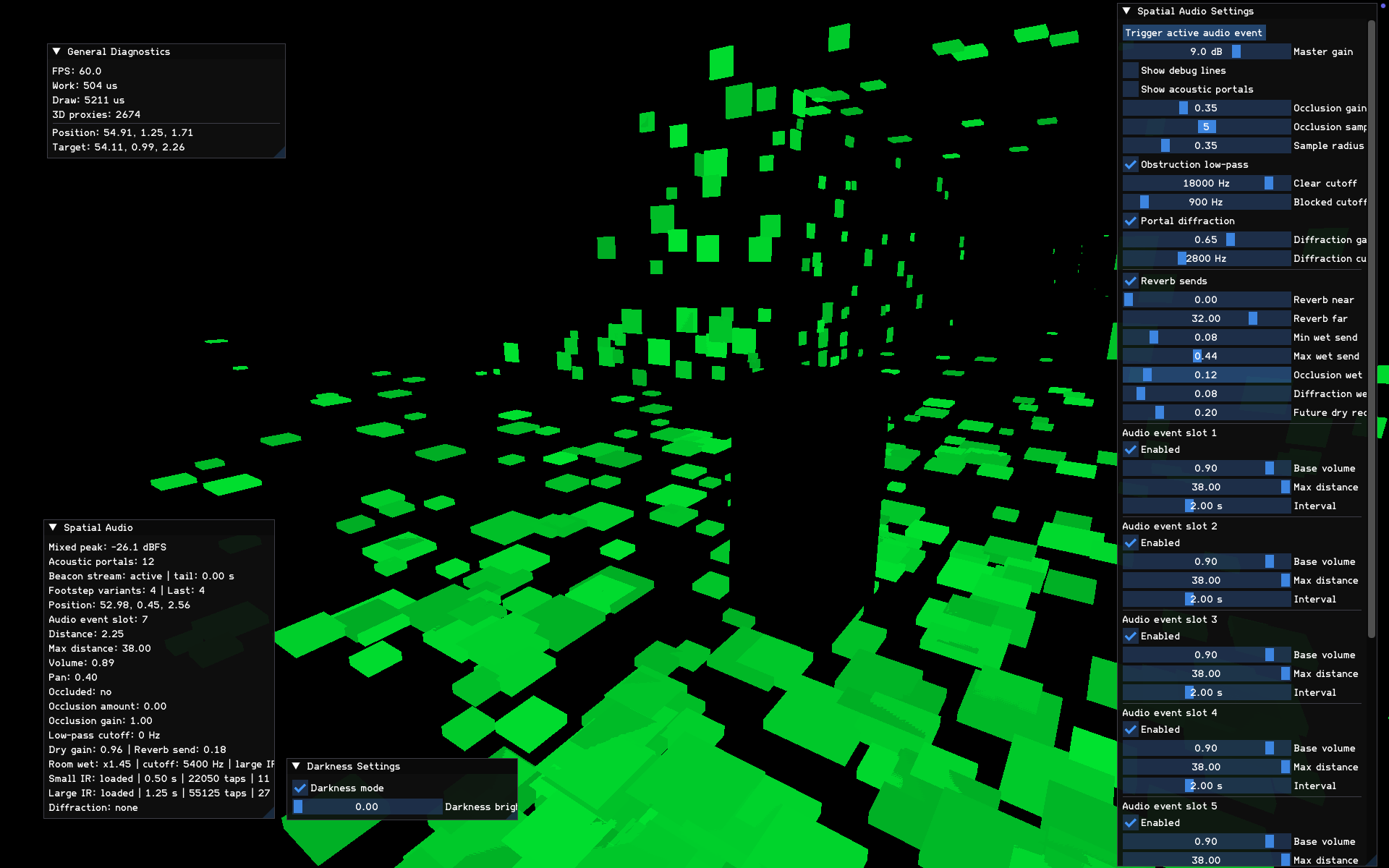
I split player-facing UI into an engine-side command system, then kept game-specific text and state in the game layer. The same renderer also owns the Dear ImGui debug panels used during development.
enum UiAnchor : uint8_t
{
    UI_ANCHOR_TOP_LEFT,
    UI_ANCHOR_TOP_CENTER,
    UI_ANCHOR_CENTER,
    UI_ANCHOR_BOTTOM_LEFT,
    UI_ANCHOR_BOTTOM_CENTER,
    UI_ANCHOR_FILL
};

struct UiCommand
{
    UiCommandType type;
    UiAnchor anchor;
    UiFontWeight fontWeight;
    float x, y, width, height;
    int fontSize;
    GameColor color;
    char text[128];
};
Asset and Runtime Systems
I added a small 3D asset path alongside the existing sprite patterns. The model manager owns loading, primitive construction, unloading, and lookup through stable IDs.
struct ModelAssetManager
{
    void initialize(uint16_t maxModels);
    void uninitialize();

    ModelAssetId loadModel(const std::string& sourceFile,
                           const std::string& textureFile = {});
    ModelAssetId loadPrimitive(ModelPrimitive primitive,
                               const std::string& textureFile = {});
    bool unloadModel(ModelAssetId id);

    ModelAsset* getModelAsset(ModelAssetId id);
};
I also added packaged asset path resolution so development builds and release builds could both find fonts, audio, room data, and tuning files.
Audio Integration
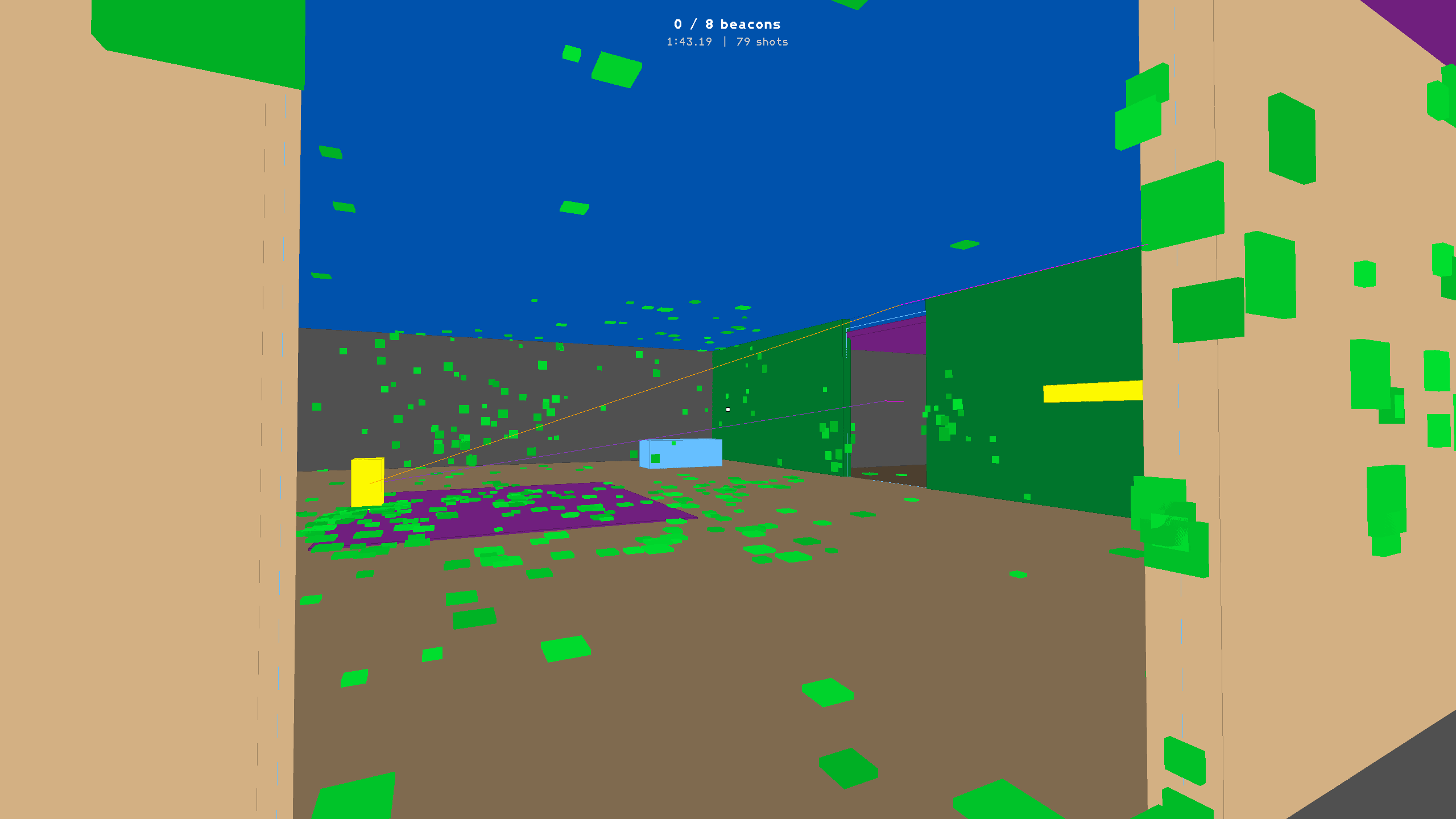
The engine includes reusable audio cue loading, randomization, round-robin playback, spatial emitters, room-aware sends, and debug visualization. This page focuses on the engine layer; I wrote separately about the audio programming work in Spatial Audio in a Custom C++ Engine.
{
  "audioMix": {
    "masterGainDb": 18.0,
    "radarBeepGainDb": 0.0,
    "footstepGainDb": 0.0,
    "pickupGainDb": 0.0,
    "paintballShotGainDb": 0.0,
    "roomToneGainDb": 0.0
  }
}
Gameplay Layer
The final game layer uses the engine systems to run a small score-based loop: randomly place reachable beacons, require crosshair-based collection, track time and paint shots, calculate a score, store the session high score, and support immediate restart.
struct GameTuningConfig
{
    bool beaconsPaintable = false;
    float nextBeaconDelaySeconds = 1.5f;
    float radarBeepGainDb = 0.0f;
    float footstepGainDb = 0.0f;
    float pickupGainDb = 0.0f;
    float paintballShotGainDb = 0.0f;
    float roomToneGainDb = 0.0f;
};
The important engine goal was that these features were built from reusable pieces: ECS entities, static world queries, UI commands, authored room data, and centralized audio/asset management.
Packaging
I cleaned up the CMake project, renamed the engine target, removed unused demo scaffolding, and packaged desktop builds for release. The final project can be built locally for macOS and cross-compiled for Windows with MinGW.
project(negative_space_engine)

add_executable(negative_space_engine
    game/main.cpp
    engine_runtime/Runtime.cpp
    engine_core/World.cpp
    rendering/Renderer.cpp
    audio/AudioManager.cpp
)